How to mix your oils to reach that colour.
Load a photo, sample a colour and get an indicative mix using your own oil colours.
A digital tool for the oil painter's studio.
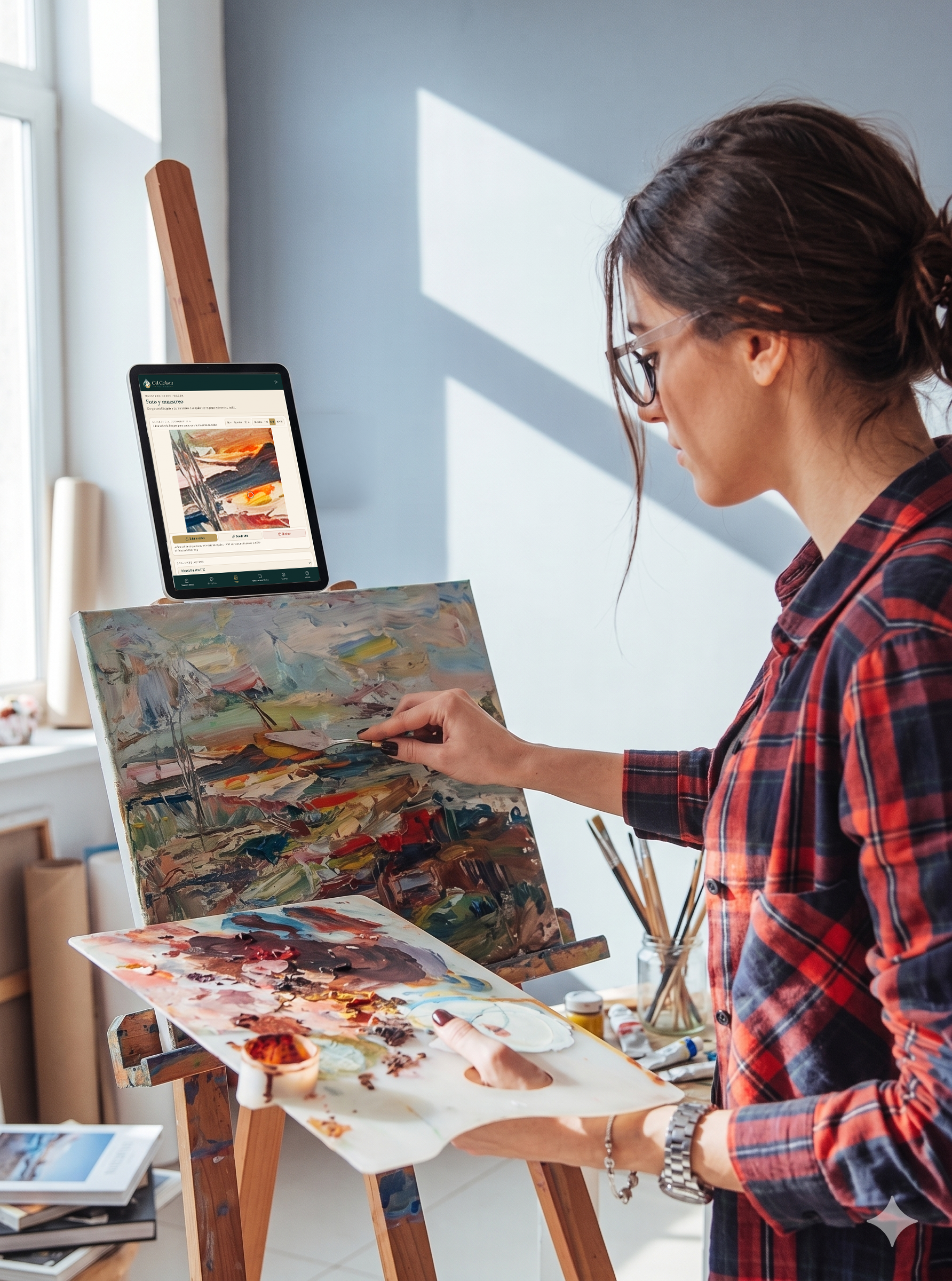
Three steps to get a clear starting point.
Add your oils, load a photo and select the colour you want to approach.
- 1Add your oilsBuild your palette with the real colours you have.
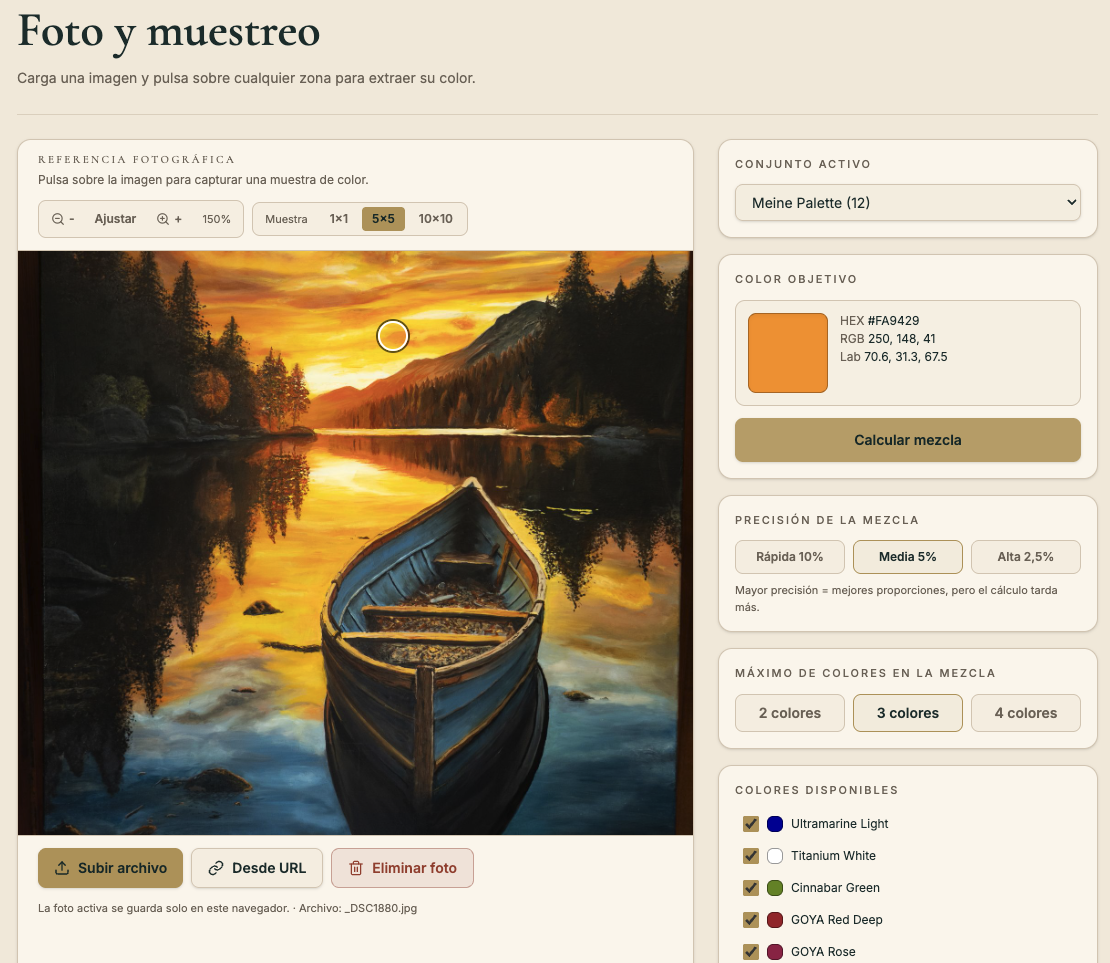
- 2Load a photoSelect a reference area.
- 3Get an indicative mixUse proportions from your own palette.
That simple.
Review the available plans and choose the option that best fits the way you work.
View plansThe problem is not seeing the colour.
It is getting there with your oils.
A photograph can be affected by light, camera, screen or compression. Oil Colour Mixer Studio helps you turn a visual reference into a starting point for mixing with more method on your real palette.
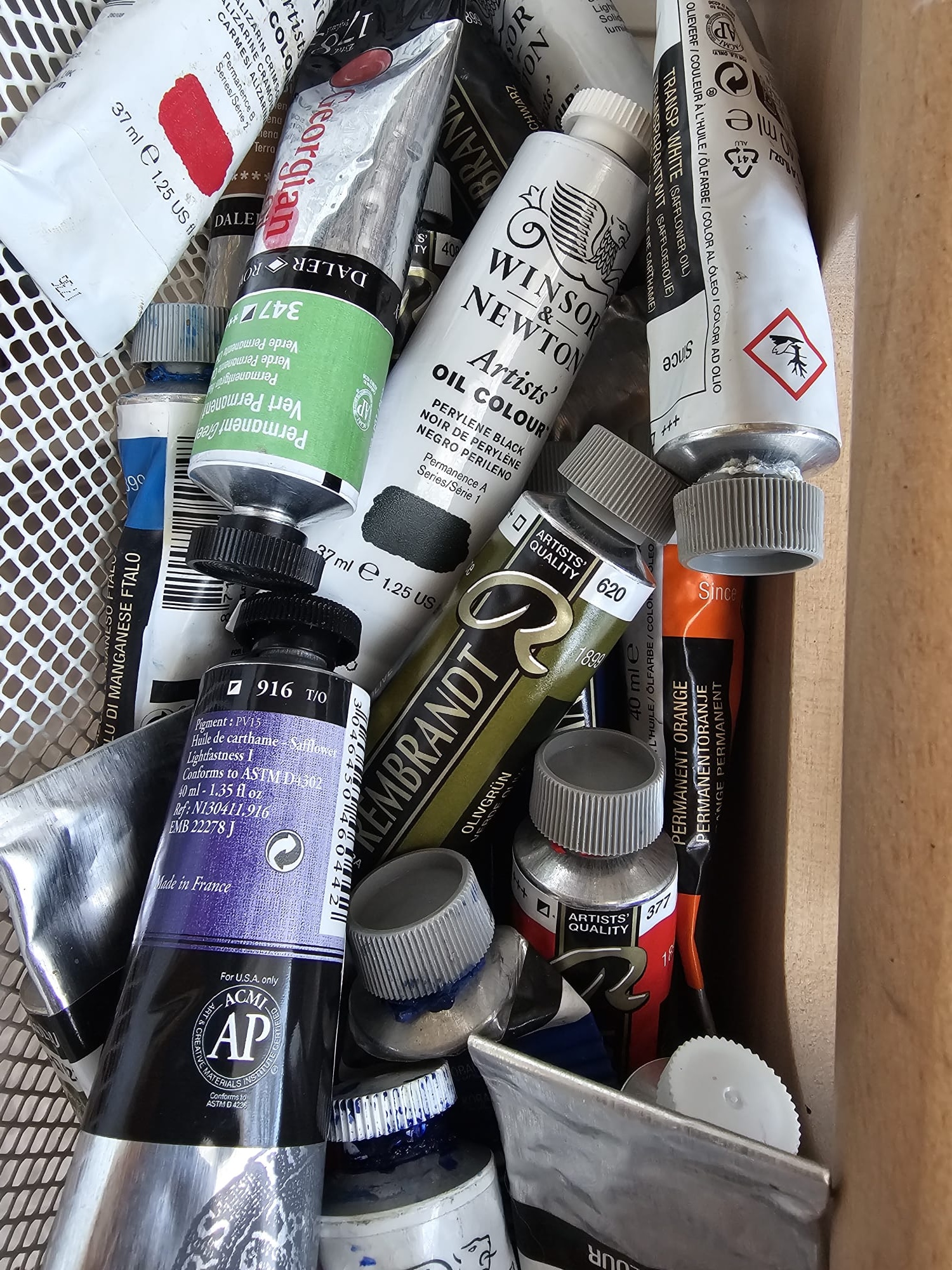
Work with the colours you actually have.
Before calculating mixes, create oil colour sets by brand, range, code or name. You can prepare different palettes for landscape, portrait, studio work, plein air or limited palettes.
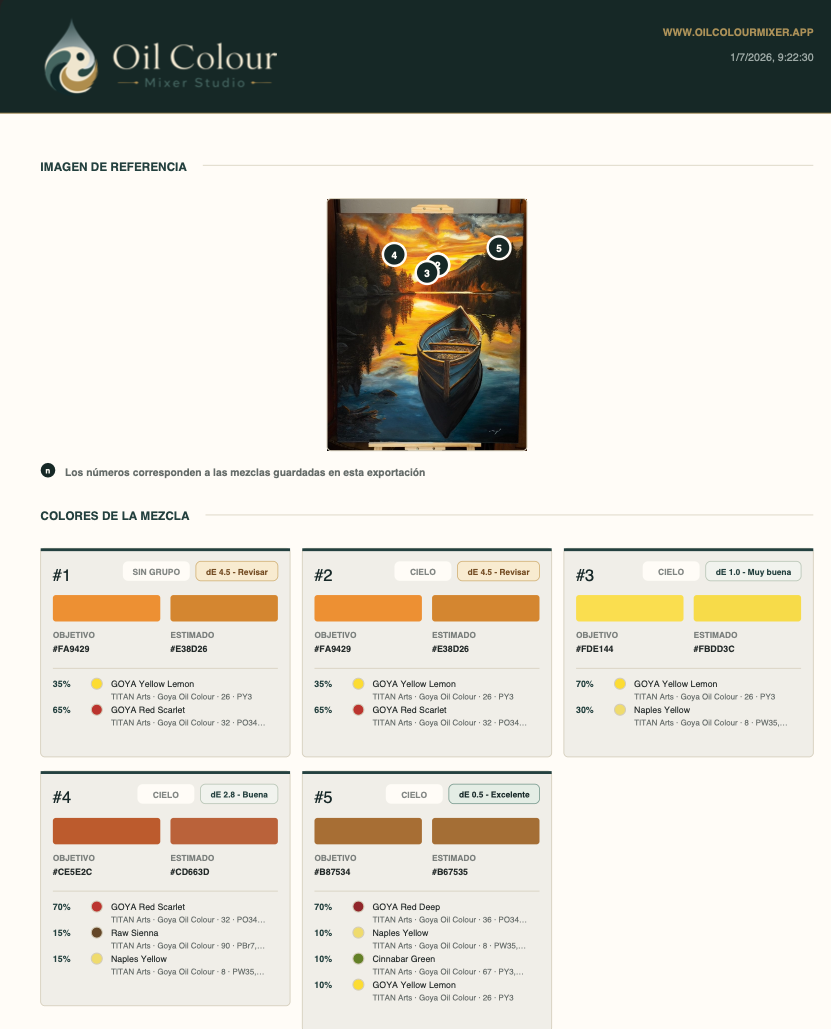
Save your mixes as studio sheets.
Any mix worth keeping can be saved, organised into groups and exported as a PDF for reference during the painting process.
- Numbered visual reference.
- Target colour and estimated colour.
- Mix percentages.
- Oil colours used.
- PDF export.
Mix more easily.
Try Oil Colour Mixer Studio for 7 days and then choose the plan that best fits the way you work.
Create your account, confirm your email and start. No card and no automatic renewal.